

The 2026 Microsoft Office Pro Bundle
What's Included
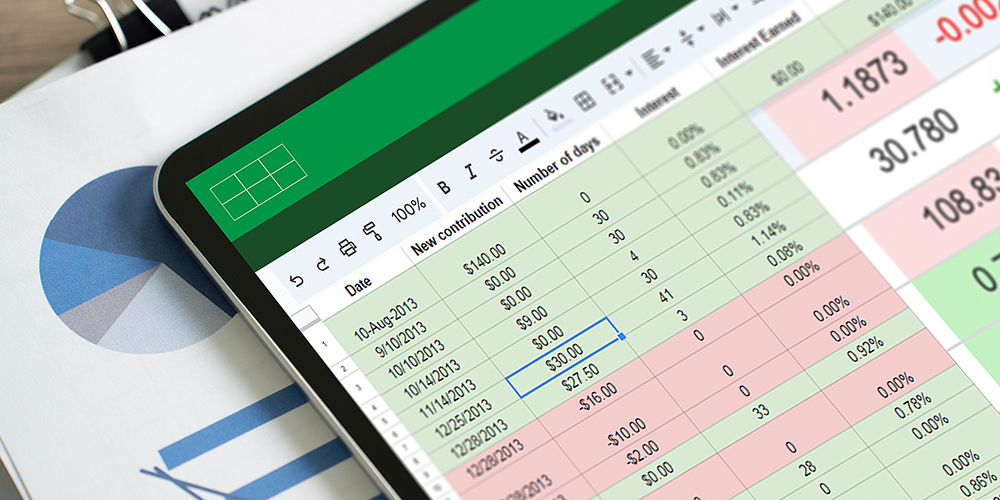
Microsoft Excel: Beginner, Intermediate & Advanced
- Experience level required: All levels
- Access 168 lectures & 14.5 hours of content 24/7
- Length of time users can access this course: Lifetime
Course Curriculum
168 Lessons (14.5h)
Your First Program
- Excel from A-Z Course Intro3:20Excel Job Opportunities2:43Excel Job Types3:51Microsoft Excel Marketplace4:08What is Microsoft Excel?4:16What is Microsoft Excel?3:30
- Finding & Opening Excel1:04Excel’s Start Screen3:15Explaining the Excel Interface2:43Excel Interface Continued1:26Excel Workbook vs. Excel Worksheet2:12Saving an Excel Document3:33Customizing the Quick Access Toolbar2:15Customizing the Excel Ribbon3:04Excel Shortcut Keys1:43
- Creating Excel Labels2:32Entering Numeric Values in Excel3:25Formatting Date Values in Excel5:19Building Basic Formulas in Excel4:44Order of Operations6:28Relative vs. Absolute Cell References7:23
- Excel Functions Explained2:35The SUM() Function7:31The MIN() & MAX() Function3:44The AVERAGE() Function2:00COUNT() Functions4:57
- Moving & Copying Data6:45Insert & Delete Rows and Columns5:04Adjusting the Width and Height of Cells4:34Hiding and Unhiding Excel Rows and Columns4:28Renaming, Moving & Deleting Excel Worksheets5:27Adding Protection to Specific Cells4:23Protecting the Structure of a Workbook2:11Adding a Workbook Password to Open File2:09
- Formatting Fonts and Cell Background Color4:54Adding Cell Borders4:47Formatting Data Appropriately5:21The Magic behind Excel’s Format Painter3:29Creating Styles for Formatting Efficiency5:55Merging Cells for a Cleaner Look3:27The Power of Conditional Formatting6:09
- Grab User’s Attention using Illustrations8:39Customizing Icons4:41Create Compelling Graphics with SmartArt5:36
- The Commonly Used Column Chart2:45Changing the Chart Design1:58
- Print Preview Options4:25Excel’s Page Layout View6:36Printing a Specific Range of Cells2:38Converting Spreadsheets to PDF Files2:28
- Why Create an Excel Template1:22How to Create an Excel Template5:22
- How to Prepare Data for Analysis4:01How to Sort Data in Excel2:37Multi-Level Sorting2:33Custom Sorting Datasets in Excel2:26Applying Filters to Datasets4:44Creating Subtotals within a Dataset5:38Converting Datasets into Tables5:55Little Slice of Pie Charts5:11Finding & Removing Duplicate Values7:29
- The SUMIF() Function8:41The DSUM() Function7:47The DSUM() Function Cont.7:06The SUBTOTAL() Function6:28
- What is Excel Data Validation?1:56Creating a Drop Down List with Data Validation7:08Different Types of Excel Data Validation5:39Adding Custom Alerts to Data Validation6:53Creating a Dynamic Drop Down List3:09Complex Validation: Dependent Drop Down List!8:38
- Creating an Excel Pivot Table5:30Modifying Excel PivotTables5:38Grouping & Filtering PivotTable Data6:29Drilling Down into PivotTable Data1:59Creating Pivot Charts & Utilizing Slicers7:59
- What is PowerPivot?3:45Activating the Excel PowerPivot Add-In1:33Creating Relationships between Data Tables6:22Using Data Models to Create PivotTables4:30How to Create PowerPivot KPI’s8:26
- Excels IF Function5:17IF() Function with AND() Criteria5:23IF() Function with OR() Criteria5:13Nesting Multiple IF() Functions7:23The COUNTIF() Function4:06Key Benefits of Named Ranges4:10
- VLOOKUP() Function8:59The Beauty of Excel’s IFERROR() Function3:55HLOOKUP() Function6:21The INDEX Function4:42MATCH() Function4:55INDEX() and MATCH() Combined5:08Two-Way Lookup with INDEX() and MATCH()4:10
- LEFT(), RIGHT() and MID() Function7:08Extracting Specific Text using LEN() & SEARCH()12:44Combining Text with CONCATENATE()6:05Quick Tips & Other Text Based Functions5:48
- Tracing Precedents & Dependents in Formulas4:28Showing Formulas1:53Grouping Data2:423D Referencing in Formulas5:04Utilizing the Watch Window in Excel2:44How to Freeze Panes in Excel2:55
- Excel’s Scenario Manager Tool5:55Goal Seek in Excel6:15Compare Results with Excel Data Tables4:23Solver Tool10:59
- The Power Behind Excel VBA2:35A Look Inside the Visual Basic Editor (VBE)3:56Recording a Macro9:11Saving & Opening a Macro-Enabled Workbook2:13
- Modules and Procedures6:33Using Variables in VBA Code4:32Excel VBA Variables4:38
- Referencing a Range13:30InputBox & MsgBox5:32If Then Else Statement10:22Worksheet Functions inside VBA7:32Creating User Defined Functions9:19User Defined Functions within VBA Scripts6:08
- Find Last Row of Data5:45Find Last Column of Data3:12With Statement4:51Debugging & Error Handling6:36Debugging & Error Handling Cont.6:45
- For Next Loop9:12Do Until Loop6:03For Each Loop3:36
- Assigning Macros to Shapes3:33Form Controls vs ActiveX Controls7:50Worksheet Events3:43Workbook Events2:54Fun with VBA Events!6:54
- Creating an Excel UserForm3:15Adding Controls to UserForms10:00How to Show an UserForm3:01Passing TextBox Values to Desired Cells6:50Passing Option Buttons to Desired Cells6:36UserForm ComboBoxes8:08Clearing Values from UserForm Controls3:06How to Close an UserForm1:33UserForms and Protected Sheets4:40
- Getting Started with Freelancing6:15Creating an Excel Resume4:51How to Become an Excel Freelancer5:12Top Freelance Websites5:12How to Get Your First Client7:45Personal Branding6:47Formatting Elements of a Chart6:23Networking Do’s and Don’ts4:21Importance of Having a Website4:24Modifying the Data, Type & Location of a Chart6:06
Microsoft Excel: Beginner, Intermediate & Advanced
Apex Learning
Apex Learning aims to be an online education that provides the necessary support to the learners and facilitates educators' work and contributes to professional development. They offer innovative pedagogical resources and training in a planned, updated, and oriented way.
Description
Master Pivot Tables, Formulas, Macros, VBA, Data Analysis, and More
Unlock the full potential of Microsoft Excel with this comprehensive course designed to take you from the basics to expert-level skills. Whether you're new to spreadsheets or looking to refine your expertise, this course covers everything from navigating the Excel interface, entering and formatting data, and building formulas to advanced topics like PivotTables, PowerPivot, VBA, and automation. Learn essential functions, data validation techniques, and visualization tools to create compelling charts and reports. Gain hands-on experience with real-world applications, explore career opportunities, and even dive into Excel freelancing. With step-by-step guidance, practical exercises, and expert tips, this course is your ultimate guide to mastering Excel for personal and professional success.
What you'll learn
- Access to 168 lectures & 14.5 hours of content 24/7
- Learn essential Excel skills, from basic to advanced functions
- Master formulas, functions & data analysis techniques
- Explore PivotTables, charts & data visualization tools
- Automate tasks with macros & VBA programming
- Improve efficiency with data validation & conditional formatting
- Gain hands-on experience with real-world Excel applications
- Enhance productivity for business, finance & freelancing opportunities
Who is this course for
- Students who want to learn & master Microsoft Excel
- Professionals who require Microsoft Excel for work
NOTE: You are purchasing the course only; Microsoft Excel is NOT included.
Specs
Important Details
- Length of time users can access this course: lifetime
- Access options: desktop
- Redemption deadline: redeem your code within 30 days of purchase
- Experience level required: all levels
- Certificate of Completion ONLY
- Updates included
- Closed captioning NOT available
- NOT downloadable for offline viewing
- Have questions on how digital purchases work? Learn more about digital products
- Learn more about what lifetime access means!
Requirements
- Basic understanding of how to use a computer
- Access to Microsoft Excel (any recent version)
- Basic computer skills

Microsoft Access Databases Forms & Reports

Learn Filtering Techniques in Microsoft Excel

Using Excel with ChatGPT
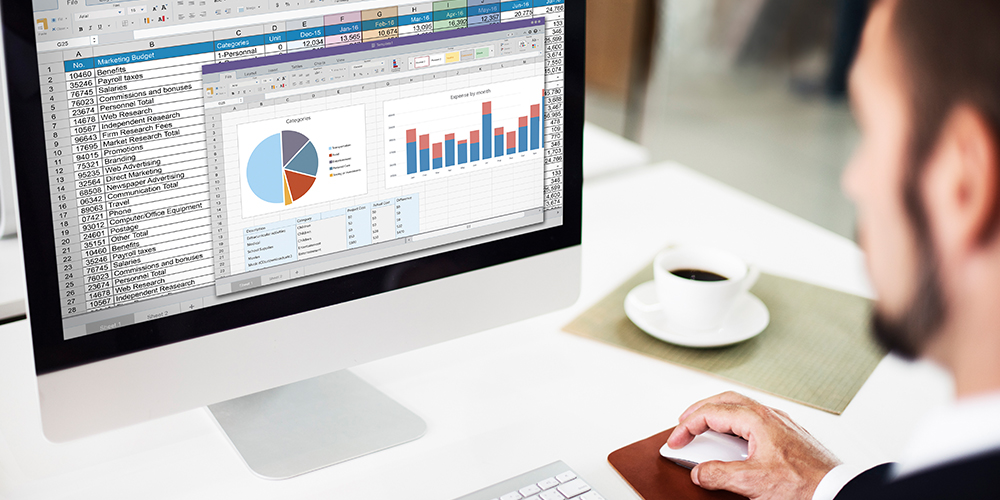
Excel Data Analysis

Mastering Microsoft Office: Word, Excel, PowerPoint, and 365

Microsoft PowerPoint

Microsoft Word
Terms
- Unredeemed licenses can be returned for store credit within 30 days of purchase. Once your license is redeemed, all sales are final.